Nothing is more frustrating than settling down to watch a big game or a movie, only for your screen to freeze. IPTV buffering can turn a great evening into a stressful experience.
Fortunately, most buffering issues aren’t permanent. In this guide, we will walk you through the top 5 proven steps to stop IPTV freezing and get back to smooth, crystal-clear streaming.
1. Check and Boost Your Internet Speed
The most common culprit behind buffering is network speed. While browsing the web requires minimal data, streaming high-definition (HD) or 4K live TV demands a stable, high-speed connection.
- The Minimum: You need at least 15 Mbps for HD streaming and 25 Mbps+ for 4K.
- The Fix: Run a quick test at fast.com. If your speed is low, try restarting your router or upgrading your plan.
2. Ditch Wi-Fi and Go Wired (Ethernet)
Even if you have fast internet, Wi-Fi signals can drop or suffer from interference caused by walls or other household devices. This drops packets and causes instant freezing.
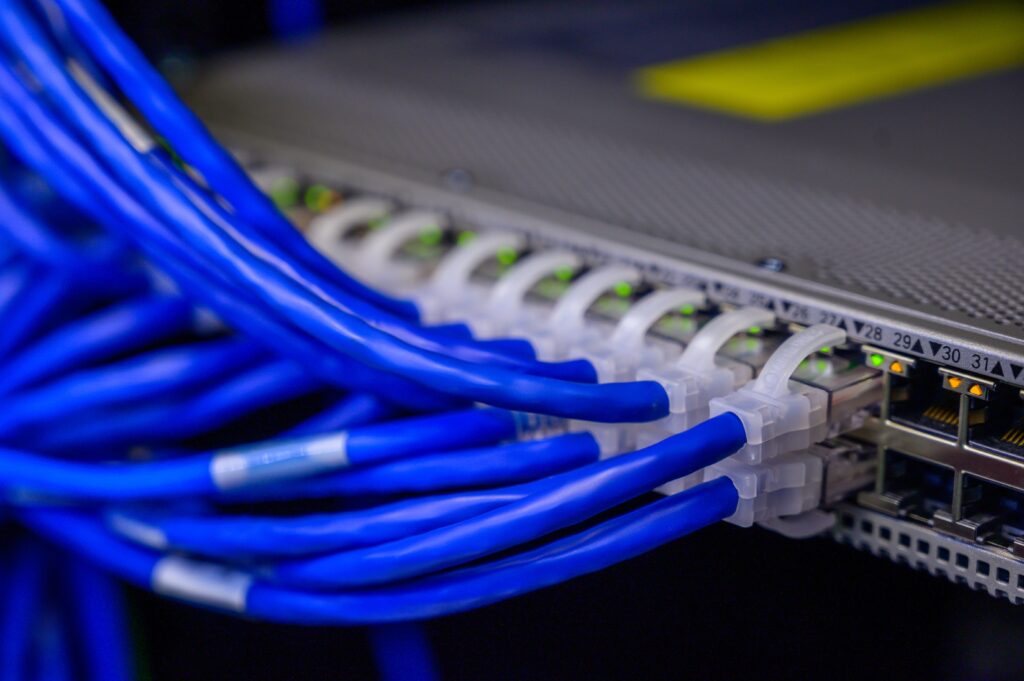
- The Fix: Whenever possible, connect your streaming device (like a Firestick, Android Box, or Smart TV) directly to your router using an Ethernet cable. This provides a dedicated, uninterrupted lane for your data.
3. Use a Premium VPN (Virtual Private Network)
Did you know that your Internet Service Provider (ISP) might be intentionally slowing down your connection? This is called ISP throttling. When ISPs detect heavy, continuous video streaming, they often limit your bandwidth.
- The Fix: A high-quality VPN encrypts your traffic. Your ISP won’t see what you are streaming, stopping throttling instantly and often bypassing regional server congestion.
4. Clear Cache on Your Streaming App
Just like smartphones, IPTV apps (like IPTV Smarters, Tivimate, or Net IPTV) accumulate temporary data called cache. When the cache gets overloaded, the app slows down, causing video lag.
- The Fix: Go to your device Settings > Apps, select your IPTV player, and click Clear Cache. Restart the app, and you’ll notice an immediate performance boost.
5. Switch to a High-Quality, Reliable IPTV Service
If you’ve tried all the steps above and your screen still freezes, the problem isn’t your device or your internet—it’s your provider’s servers. Low-cost or overcrowded servers simply cannot handle live traffic during peak hours (like major sports events).
Looking for a buffering-free experience?
At horizostv.com we utilize premium, anti-freeze server technology to ensure 99.9% uptime and smooth streaming, even during global live events. Check out our high-speed packages optimized for US and Canadian markets today!